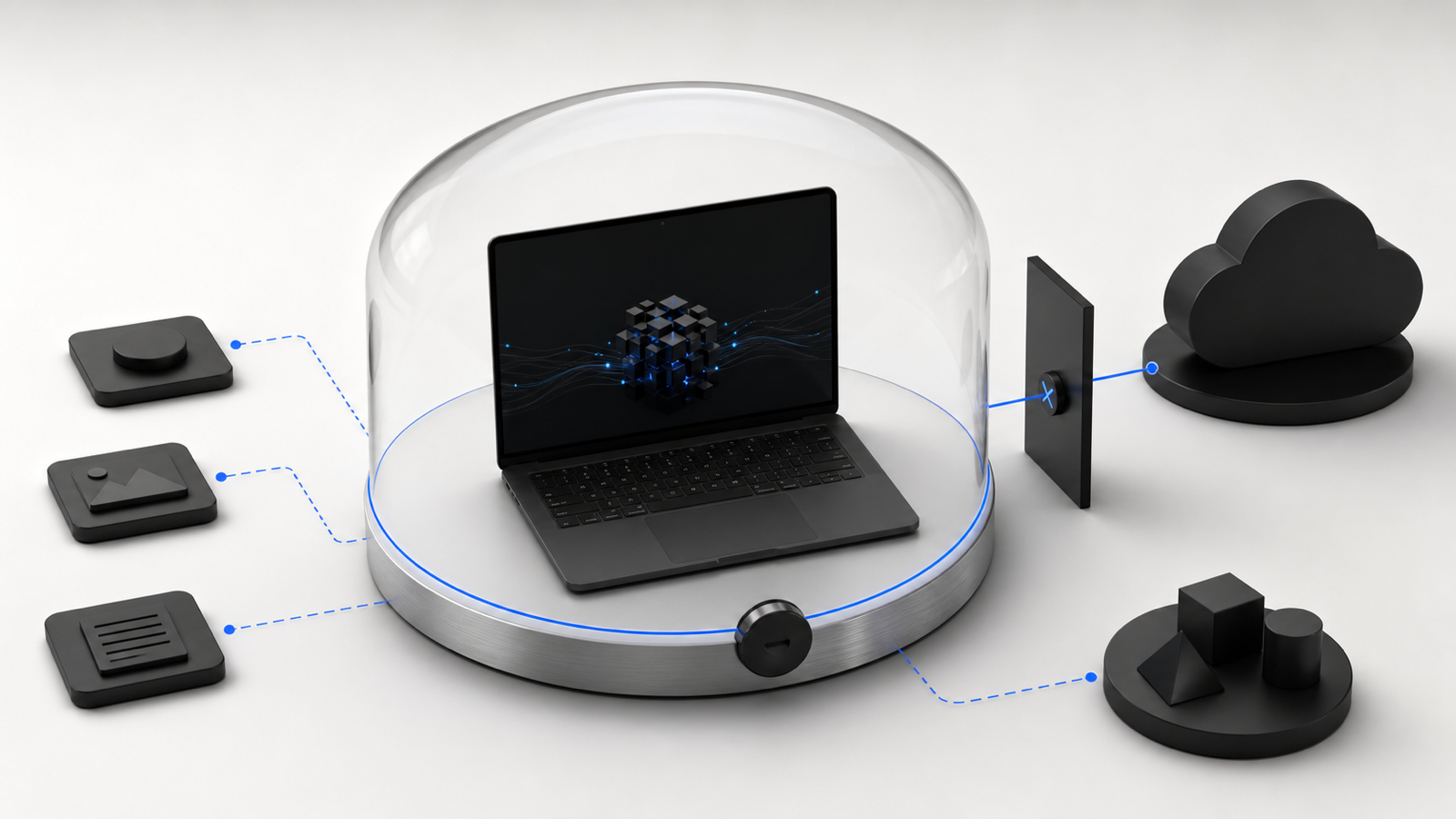
Should a business run AI "locally" instead of using ChatGPT or Claude through a browser? Local AI does not necessarily mean renting a private server. It usually means downloading a smaller model onto a laptop or phone and running it on that device's chip, with no internet connection required and no prompt data leaving the machine. Tools such as Ollama or LM Studio make this increasingly accessible: choose a model, download it, and use a chat interface while the work happens on your own hardware.
The mechanics matter because they explain both the appeal and the limits. A frontier cloud model like the ones powering the big chat products runs on racks of specialized hardware somewhere in a data center, trained with an enormous amount of compute, and you're accessing it over the internet. A local model is a much smaller, compressed version of that same basic idea, sized down to fit in the memory of an ordinary laptop and squeezed further through a process called quantization so it runs fast enough to feel responsive. It's the same basic technology, but a fraction of the size, running on hardware you already own or can buy off the shelf, with nothing sent anywhere.
The clearest reason to want this is privacy. If you're a lawyer running client documents through an AI, a bookkeeper handling someone's tax records, an HR consultant drafting notes about a personnel complaint, or a doctor's office summarizing patient charts, there's a real difference between "this text was processed on my own laptop and never left it" and "this text was sent to a third party's servers, even one with strong privacy commitments." For some of these businesses that difference is a genuine legal or contractual requirement, not just a preference. Local AI is the only setup where you can say with full confidence that the data never left the building, because there's no network request to intercept, no vendor to trust, no terms of service to read carefully.
The second real use case is working offline. A home inspector may need to draft report summaries in a basement with no signal; a field technician may work where cellular coverage is unreliable. A cloud tool stops when the connection drops, while a local model on a laptop keeps working. This is a narrower need than most businesses have, but for field work it can be the main reason to consider local AI.
The third case is cost at high volume, and it's the one people misunderstand most often. If you're running a genuinely simple task — say, classifying which of five categories an incoming form belongs to, or pulling a name and date out of a standard document — thousands or tens of thousands of times a day, the per-call cost of a cloud API can add up to real money over a year. A local model doing that same narrow, repetitive job costs you next to nothing per call once you already own the hardware — you paid for the compute upfront when you bought the laptop, and running one more request costs you little more than the electricity. The catch is that this only pays off at genuinely high volume on genuinely simple tasks; for a business running a few hundred AI calls a day, the cloud cost is usually rounding error, and buying or dedicating hardware to save it doesn't make sense yet.
Now for the part I won't soften, because this is exactly the kind of thing that gets glossed over in local-AI enthusiasm: a small model running on your laptop is meaningfully weaker than a frontier cloud model, and that gap is not closing as fast as people assume. It's not a matter of local models being "a little behind" — they have a fraction of the parameters and were trained with a fraction of the compute, and then they're shrunk further to fit on consumer hardware. That shows up as worse reasoning on anything with more than one or two steps, more confident-sounding wrong answers, weaker instruction-following when a task has several conditions attached, and a much higher rate of just missing the point on ambiguous or unusual inputs.
Fictional example: A small manufacturer tries a local model for customer-facing quality-incident reports. The output looks polished but contains subtle factual errors, softens important language, and loses track when a report covers more than one issue. "Mostly right" is not good enough for that task. The business keeps a more capable, carefully reviewed model for the reports and uses the local model for a narrower, higher-volume job: tagging incoming inventory emails by category.
The honest way to think about it is to match the tool to how much accuracy actually matters and how sensitive the data is, not to pick one side of a local-versus-cloud tribal argument. Local is the right call for narrow, repetitive, well-defined tasks where being wrong occasionally is cheap, or for anything where the data genuinely can't leave your machine, or for offline field use. A frontier cloud model is the right call for anything where a wrong or sloppy answer actually costs you something — contracts, financial analysis, customer communication, anything requiring judgment across multiple pieces of information. Plenty of businesses end up using both: a cloud model for the work that needs real capability, and a local model quietly handling some boring high-volume sorting task in the background.
You also don't need much hardware to try this. A recent laptop, particularly an Apple Silicon Mac or a Windows machine with a reasonably modern GPU, is enough to run smaller local models at usable speed — you don't need a server room or an IT department to experiment. That accessibility is genuinely useful, and I'd rather see a business owner try it and find its edges themselves than either dismiss it as a toy or oversell it as a full replacement for the tools they're already paying for.
Local AI is a specific tool for a narrower job than most of the hype implies — useful for privacy-locked data, offline work, and cheap high-volume simple tasks, but often a step down in capability when accuracy matters. Matching the tool to that boundary is what separates useful automation from a new source of quiet errors.